

Description
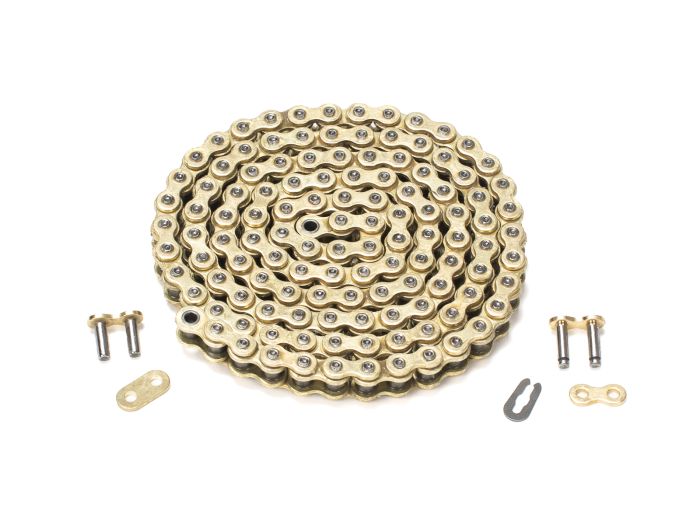
EBOX Upgrade Chain
Upgrade your EBOX device with ease using the EBOX Upgrade Chain. This chain enables you to seamlessly update your EBOX firmware, ensuring that your device is always running the latest software.
Key Features
- Easy Firmware Upgrades: The EBOX Upgrade Chain simplifies the firmware update process, making it quick and hassle-free.
- Compatibility: This upgrade chain is compatible with a wide range of EBOX devices, ensuring that as many users as possible can benefit from the latest software updates.
- Reliability: The EBOX Upgrade Chain is designed for robustness and reliability, ensuring that your firmware updates are successful every time.
How It Works
- Connect your EBOX device to your computer using the provided USB cable.
- Download and install the EBOX Upgrade Software on your computer.
- Use the software to detect your EBOX device and download the latest firmware update.
- Follow the on-screen instructions to initiate the firmware update process.
- Once the update is complete, disconnect your EBOX device from your computer and reboot it.
Technical Specifications
- Compatibility: Wide range of EBOX devices
- Requirements: USB cable, computer with EBOX Upgrade Software installed
- Weight: N/A
- Dimensions: N/A
Upgrade your EBOX device today with the EBOX Upgrade Chain!






Reviews
There are no reviews yet.